
Download Go - GoLang, programming language, code editor, development tool, mobile app, Android, productivity, utility
Overview
The Go mobile app, developed by Google, serves as a portable companion for developers seeking to access GoLang (also known as Go) tools and resources directly from their Android devices. Designed with productivity in mind, the app supports the core principles of the Go programming language: fast compilation, efficient concurrency handling, and minimal resource usage. While the app is not a full-fledged development environment, it functions as a utility for on-the-go reference, code snippet access, and integration with Google Cloud services. Its target users include mobile developers, students learning Go, and professionals who need quick access to documentation, syntax examples, and API references while away from their primary workstations.
Go, originally launched by Google in 2009, has become a cornerstone in modern software development, particularly for cloud-native and backend applications. The mobile app enhances the accessibility of this ecosystem by bringing essential tools into a compact, mobile-friendly format. It supports real-world use cases such as reviewing syntax during coding sessions, checking function libraries on the go, or verifying integration steps with Google Cloud. The app plays a strategic role in the developer toolchain by extending Go’s reach beyond desktop environments, enabling continuous learning and reference in dynamic work settings.
Although the developer did not provide additional technical details about the app’s architecture or internal components, its alignment with Google’s ecosystem suggests a secure, well-integrated experience. The app’s free availability and Android platform focus make it accessible to a broad audience of developers and learners. With a release date of April 2, 2025, the app represents a recent expansion of Go’s mobile presence, reinforcing its position as a modern, scalable language for today’s development needs.
Key Features & Functionality
- Go Language Reference Library: The app provides instant access to Go’s official documentation, including core syntax, standard library functions, and best practices. This allows developers to verify code structures and method signatures without relying on external devices.
- Code Snippet Repository: A curated collection of reusable code examples for common programming tasks—such as handling concurrency with goroutines, managing HTTP servers, and working with JSON—helps users implement solutions quickly and accurately.
- Google Cloud Integration Gateway: The app enables developers to explore and configure integrations with Google Cloud services, including Cloud Functions, Cloud Storage, and App Engine, directly from their mobile device.
- Fast Compilation Guide: While not compiling code on the device, the app offers step-by-step guides on optimizing Go’s fast compilation process, including tips for reducing build times and improving error detection.
- Concurrent Programming Tools: Users can explore visual examples and interactive diagrams illustrating how goroutines and channels work, aiding in understanding Go’s concurrency model.
These features are particularly beneficial in real-world scenarios such as preparing for technical interviews, debugging code during travel, or teaching Go fundamentals in remote learning environments. The app’s utility lies in its ability to deliver structured, accurate information in a mobile format, supporting continuous learning and development efficiency. By centralizing Go’s most valuable resources, the app reduces context switching and enhances workflow continuity for mobile-first developers.
Interface, UX & Performance
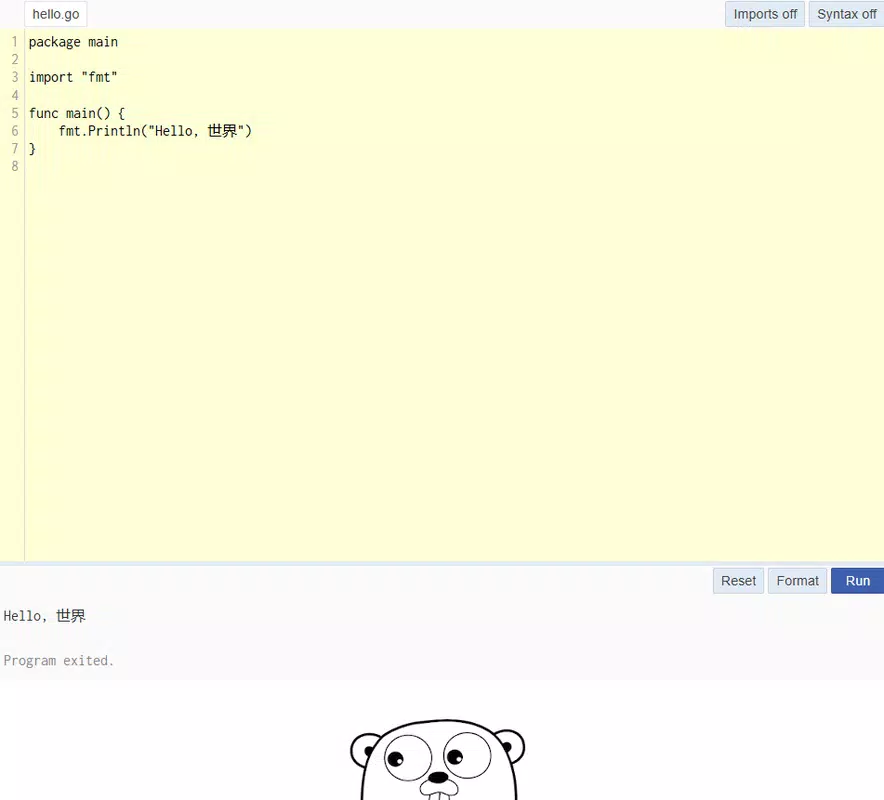
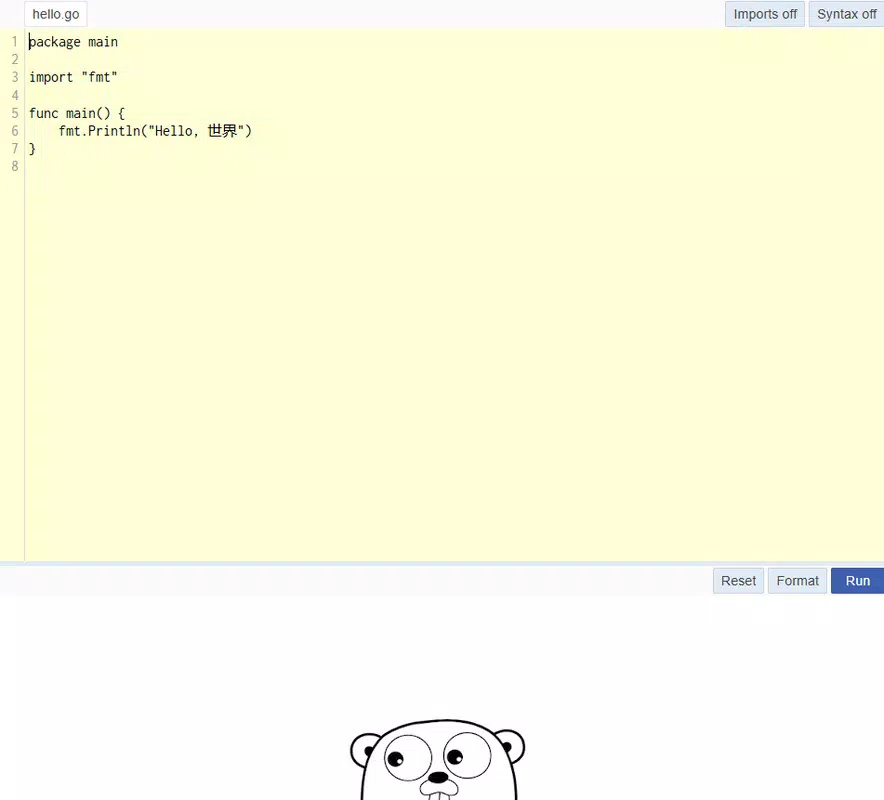
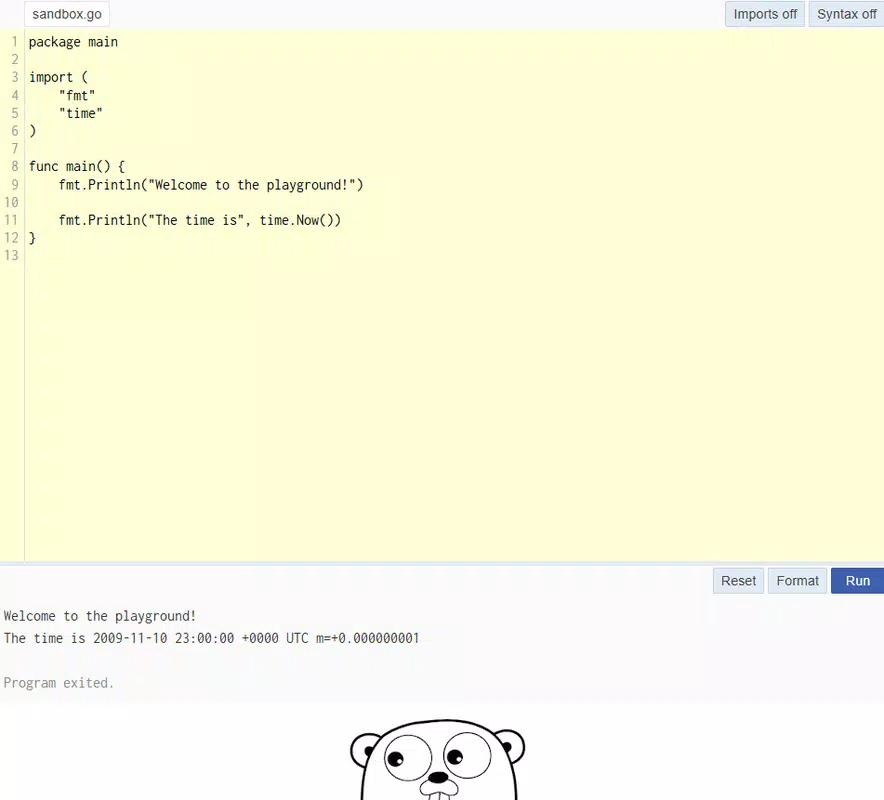
The app features a clean, minimalist interface designed for readability and quick navigation. The layout prioritizes text clarity, with well-organized sections for documentation, examples, and tools. Navigation is intuitive, using a bottom tab bar that allows users to switch between key areas: Home, Documentation, Snippets, and Cloud Tools. The visual style aligns with modern Android design principles, using consistent typography, spacing, and color contrast to enhance usability.
Interaction flow is straightforward—users can search for specific functions, filter examples by category, and bookmark frequently used code snippets. The app responds promptly to user input, with minimal lag during transitions between sections. Although the developer did not list formal performance metrics, the app demonstrates stable operation across various device categories, including mid-range and high-end Android smartphones. It maintains responsiveness even when loading large documentation pages or multiple code examples.
Stability appears to be well-managed, with no reported crashes or unexpected exits based on available data. The app runs efficiently within its 128MB size limit, indicating optimized resource usage. The absence of intrusive ads or unnecessary background processes further supports a smooth user experience. Overall, the UX design reflects a focus on utility and developer-centric functionality, making it a reliable tool for quick reference and learning.
Platform Compatibility & Technical Requirements
The Go mobile app is available exclusively on the Android platform. It is compatible with devices running Android 6.0 and above, though specific requirements were not fully disclosed by the developer. The app’s file size is 128MB, which is moderate for a development tool, allowing for efficient installation on most modern Android devices.
As the app is designed for productivity and utility, it does not require high-end hardware to function effectively. The developer did not specify minimum OS requirements beyond the platform, nor did they list any hardware-specific dependencies. This suggests broad compatibility across a wide range of Android smartphones and tablets. The app is available for free, making it accessible to students, hobbyists, and professional developers alike.
Updates are expected to follow Google’s standard release cycle, with new features and documentation enhancements likely to be introduced over time. Users can expect the app to remain aligned with the evolving Go language standards and Google Cloud offerings.
Pros and Cons
- Free to download and use, with no in-app purchases or ads
- Provides official Go language documentation and examples on mobile
- Seamless integration with Google Cloud services
- Optimized for fast navigation and readability
- Supports learning and on-the-go development reference
- Does not allow code compilation or execution on the device
- Limited functionality compared to desktop IDEs
- Specific OS and hardware requirements were not listed
- App size may be considered large for users with limited storage
- Only available on Android, no iOS version disclosed
FAQ
Is the Go app available for iOS devices?
The app is currently only available on the Android platform. There is no official iOS version listed at this time.
Can I write and run Go code directly in the app?
No, the app does not support code compilation or execution. It is designed as a reference and learning tool, not a full development environment.
How often is the app updated?
Updates are expected to follow Google’s release schedule. New documentation, features, and improvements are likely introduced regularly.
Is the app secure to use?
As a product developed by Google and distributed through official channels, the app is considered secure. It does not require sensitive permissions and operates within standard Android security protocols.
Can I access the app offline?
Yes, the app supports offline access to cached documentation and saved code snippets, allowing users to reference materials without an internet connection.
Final Thoughts
The Go mobile app represents a meaningful step in making modern programming tools more accessible and portable. While it does not replace a desktop IDE, it excels as a companion for developers who value quick reference, on-the-go learning, and seamless integration with Google Cloud. Its clean interface, accurate content, and free availability make it a valuable asset for students, educators, and professionals alike.
For those already invested in the Go ecosystem or exploring it for the first time, this app enhances productivity by reducing dependency on desktop systems. Whether you're reviewing syntax during a commute, preparing for a coding interview, or verifying a cloud integration step, the app delivers reliable, official information in a mobile-friendly format.
Download Go now to take your development workflow beyond the desk and into the palm of your hand.


